Design Journey
The "how we work" section told visually: an empty room fills in step by step, from first chat to handover, with the timing, what the studio delivers and what the client does.
Consultation
A relaxed first meeting, at the studio or on video, to understand how you live, what you love and what the budget looks like.
We deliver
- Lifestyle questionnaire
- Budget band
- Scope of work
You do
- 45-minute chat
- Share photos you love
Measure & brief
We survey the site and laser-measure every wall, window and socket, then write a brief that both of us sign off.
We deliver
- Site survey
- As-built drawings
- Signed brief
You do
- Give site access
- Confirm must-haves
Concept
Two mood directions with real material samples, so you can feel the fabrics and see the finishes in daylight.
We deliver
- 2 mood boards
- Material kit
- Layout options
You do
- Pick a direction
- One feedback round
3D design
Photo-real 3D views of every room. Two revision rounds are included before we lock the design.
We deliver
- 3D renders
- Working drawings
- Fixed quote
You do
- Two revision rounds
- Sign off the design
Production
Furniture is built in the workshop while civil, electrical and false-ceiling work happens on site in parallel.
We deliver
- Workshop production
- Site execution
- Weekly photo updates
You do
- Nothing: relax
- Optional site visits
Handover
We install, style, deep-clean and walk you through every switch and drawer before handing over the keys.
We deliver
- Styling & cleaning
- Snag-list fixes
- Warranty papers
You do
- Walk-through
- Move in
Where the lead lands
Press “Start my project” in the demo
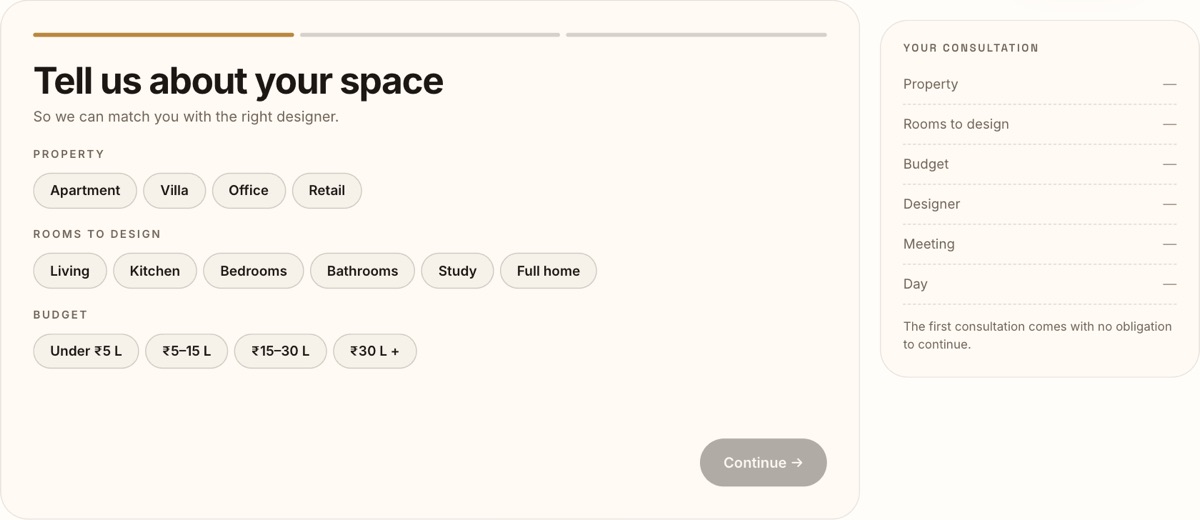
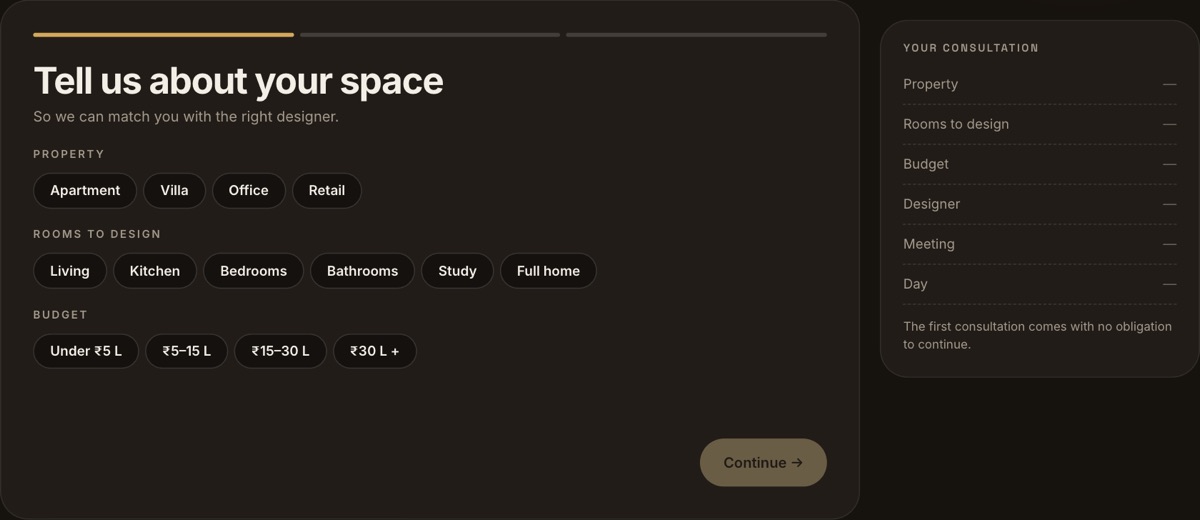
On a studio’s site, the Design Journey button writes the visitor’s choices into the enquiry form and ticks the matching option, in any form plugin. Here it writes into this demo form, which sends nothing.
What it does
Your “how we work” process as a rail of steps over a room that fills in, from first chat to handover. Each step shows its timing, what you deliver and what the client does. It can play through the steps by itself.
Add it to a page
Bricks
Open the Rabin-Interiors & Woods group in the elements panel and drag in Design Journey (rabin-iw-design-journey).
Shortcode
Paste [rabin_iw_design_journey] into any editor or builder. Text settings are attributes; lists go in a JSON body.
AI agent
Ask an agent to use rabin-interiors-woods/add-to-page with element design-journey.
[rabin_iw_design_journey]
At a glance
- Bricks element
rabin-iw-design-journey - Shortcode
[rabin_iw_design_journey] - Ends in“Start my project”
Design Journey plus 14 more elements, updates and support in every plan.
Settings
The same settings work in Bricks, in shortcode attributes and through the abilities. Every default is placeholder content to replace with your own.
| Setting | Type / options | Default | What it does |
|---|---|---|---|
theme |
light · dark | light | light for light/pale sections, dark for dark sections. |
steps |
list | 6 sample items | 2–8 steps of the business's process, in order; each is a tab on the rail. |
autoplay |
on · off | on | on: plays through the steps once the section is in view, until the visitor takes over; off: visitors step through themselves. |
interval |
number | 4.5 | Seconds per step while playing, e.g. 4.5. |
askText |
text | How do you unwind? | Talk scene: the studio's question bubble. |
answerText |
text | Warm and calm, lots of books | Talk scene: the client's answer bubble. |
dims |
text | 14' 6", 10' 0", 4' 0" | Measure scene: three labels, comma separated (room width, height, window), e.g. "4.4 m, 3.0 m, 1.2 m". |
moodColors |
text | #7f9a87, #c9a476, #e6dccb, #c06a45 | Mood scene: four swatch colours, comma separated; the furniture later takes these colours. |
signText |
text | WET PAINT | Build scene: the sign on site. |
keyText |
text | Welcome home | Style scene: the tag on the keys. |
counter |
text | Step %1$d / %2$d | Step counter; %1$d is the step and %2$d the number of steps. |
weLabel |
text | We deliver | Heading of the studio list. |
youLabel |
text | You do | Heading of the client list. |
buttonText |
text | Start my project | Button on the last step. |
buttonLink |
link | #contact | Where the button goes, usually the enquiry form section, e.g. "#contact" or "/contact/". |
formChip |
text | — | Value of the checkbox/radio in the enquiry form to tick when the visitor uses the button, e.g. "Kitchen". Empty for none. |
More Process & enquiries
Get the full kit
All 15 elements, one licence.
From ₹1,499 a year. Secure checkout on shop.rabinpal.com.