Style Quiz
Three visual questions (room, palette, material) that match the visitor to an interior style, with its palette and signature materials.
Let's find a look that feels like you.
There are no wrong answers. Just follow your instinct.
Pick the room that feels like home
Where the lead lands
Press “Design my home in this style” in the demo
On a studio’s site, the Style Quiz button writes the visitor’s choices into the enquiry form and ticks the matching option, in any form plugin. Here it writes into this demo form, which sends nothing.
What it does
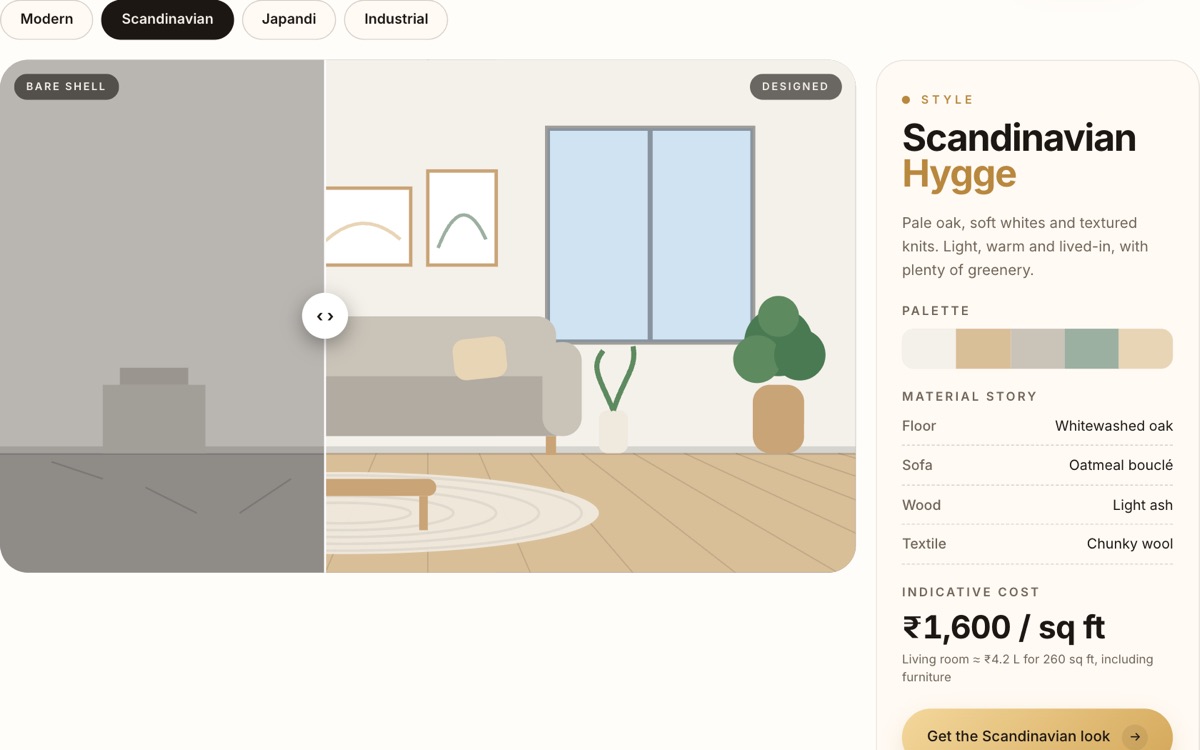
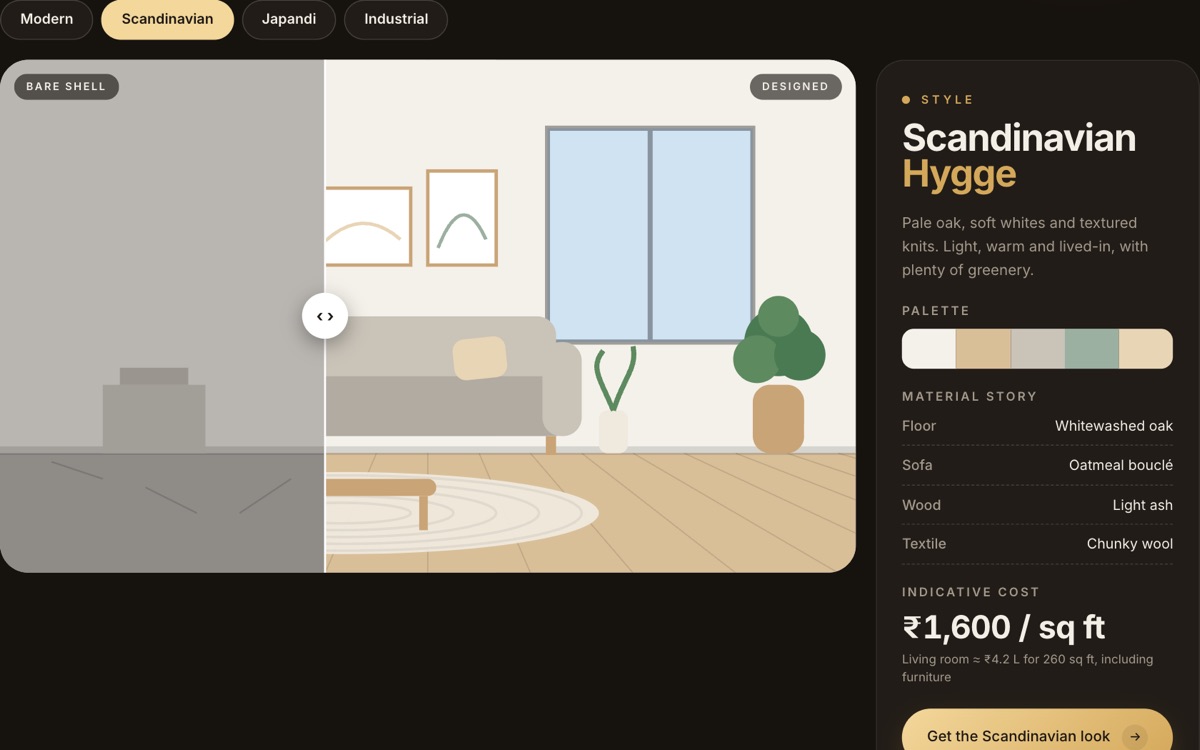
Three visual questions (room, palette, material) match the visitor to an interior style and show its palette and signature materials. The result button writes the style into your enquiry form, so the first call starts with what they like.
Add it to a page
Bricks
Open the Rabin-Interiors & Woods group in the elements panel and drag in Style Quiz (rabin-iw-style-quiz).
Shortcode
Paste [rabin_iw_style_quiz] into any editor or builder. Text settings are attributes; lists go in a JSON body.
AI agent
Ask an agent to use rabin-interiors-woods/add-to-page with element style-quiz.
[rabin_iw_style_quiz]
At a glance
- Bricks element
rabin-iw-style-quiz - Shortcode
[rabin_iw_style_quiz] - Ends in“Design my home in this style”
- PhotosDrawn, or your own
Style Quiz plus 14 more elements, updates and support in every plan.
Settings
The same settings work in Bricks, in shortcode attributes and through the abilities. Every default is placeholder content to replace with your own.
| Setting | Type / options | Default | What it does |
|---|---|---|---|
theme |
light · dark | light | light for light/pale sections, dark for dark sections. |
styles |
list | 4 sample items | 2–6 interior styles; the quiz shows one answer card per style for each question and the most-picked style wins. |
kicker |
text | Find your style | Small label above the side title. |
q1 |
text | Pick the room that feels like home | Question 1 text. |
q1Side |
text | Let's find a look that feels like you. | Side panel title during question 1. |
q1SideText |
text | There are no wrong answers. Just follow your i… | Side panel text during question 1. |
q2 |
text | Choose your palette | Question 2 text. |
q2Side |
text | Lovely choice. Now, colour. | Side panel title during question 2. |
q2SideText |
text | Colour sets the mood of every room. | Side panel text during question 2. |
q3 |
text | Which material would you touch first? | Question 3 text. |
q3Side |
text | Last one. Trust your fingertips. | Side panel title during question 3. |
q3SideText |
text | Materials are where real craft shows. | Side panel text during question 3. |
resultSide |
text | Your style is ready ✦ | Side panel title on the result. |
resultText |
text | Share it with your designer and we'll build yo… | Side panel text on the result. |
buttonText |
text | Design my home in this style | Result button label. |
buttonLink |
link | #contact | Where the button goes, usually the enquiry form section, e.g. "#contact" or "/contact/". |
formChip |
text | Full home | Value of the checkbox/radio in the enquiry form to tick when the visitor uses the button, e.g. "Kitchen". Empty for none. |
More Style & colour
Get the full kit
All 15 elements, one licence.
From ₹1,499 a year. Secure checkout on shop.rabinpal.com.