15 elements
The Interiors & Woods elements
Each one works as a Bricks element, a shortcode or an AI ability, in a light and a dark theme, and ends in your enquiry form.
01
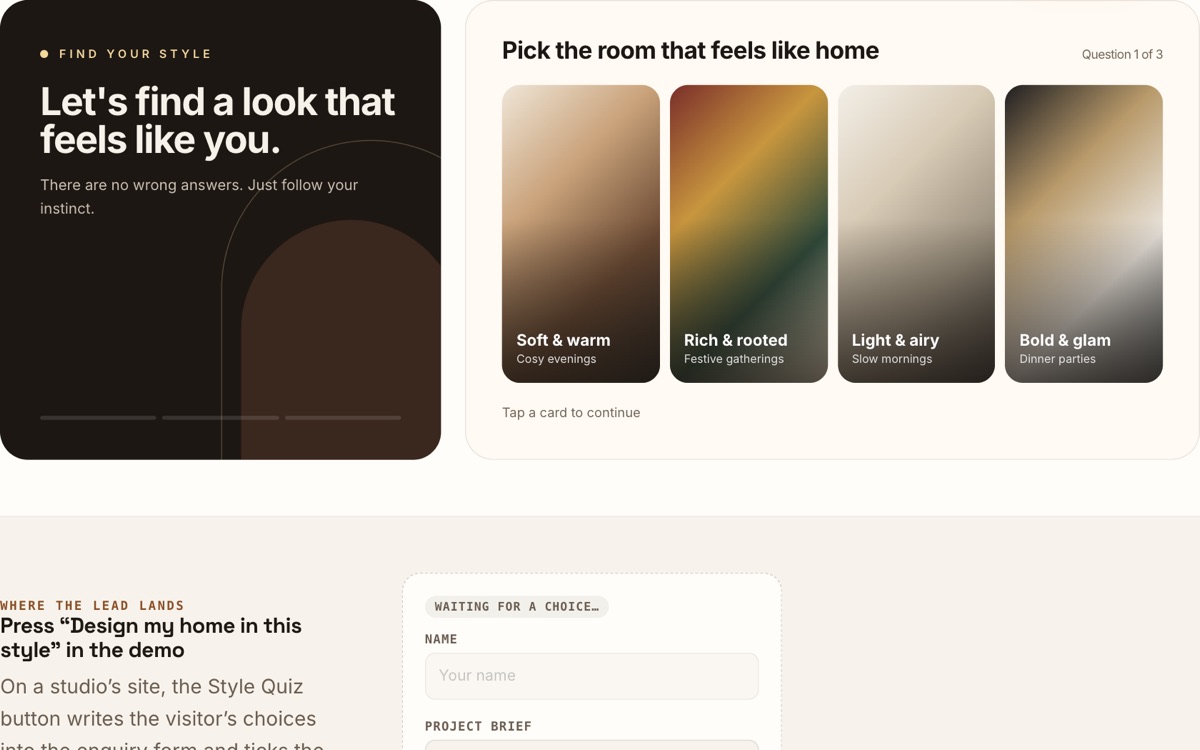
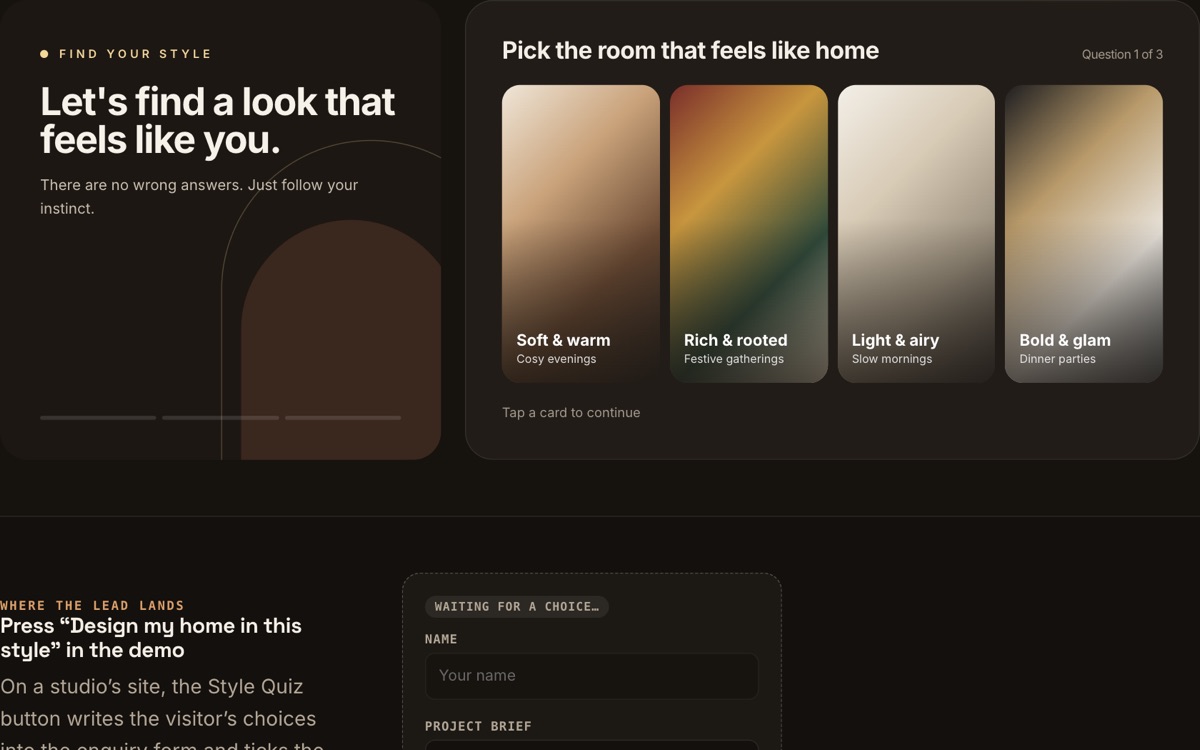
Style QuizThree visual questions (room, palette, material) that match the visitor to an interior style, with its palette and signature materials.Style & colour
View element
02
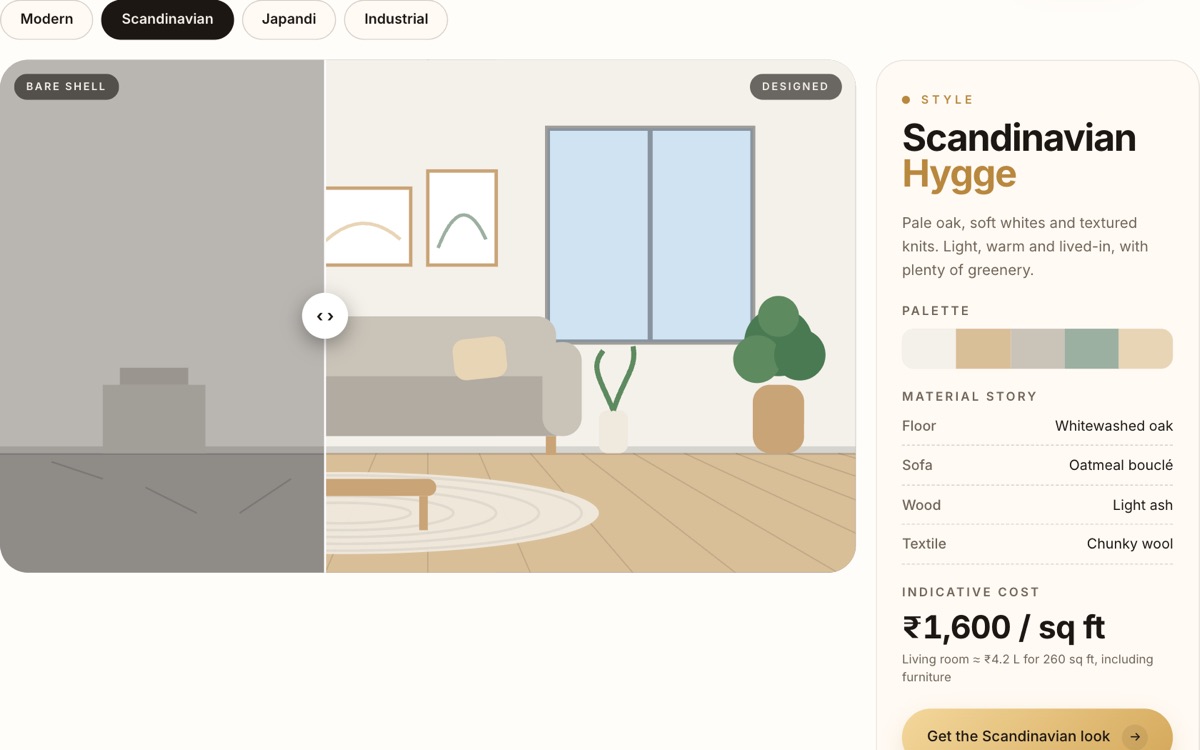
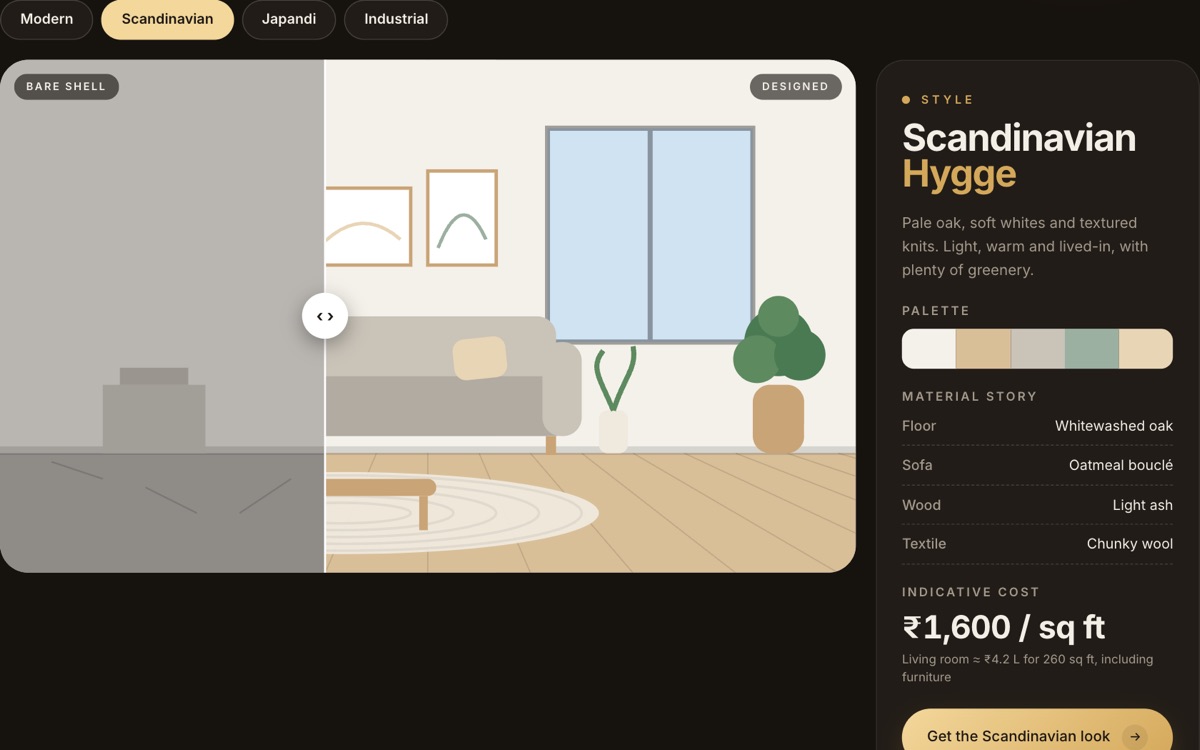
Style SwitcherOne room in several interior styles: visitors switch styles and drag a divider between the bare shell and the designed room, with each style's palette, materials and cost per square foot.Style & colour
View element
03
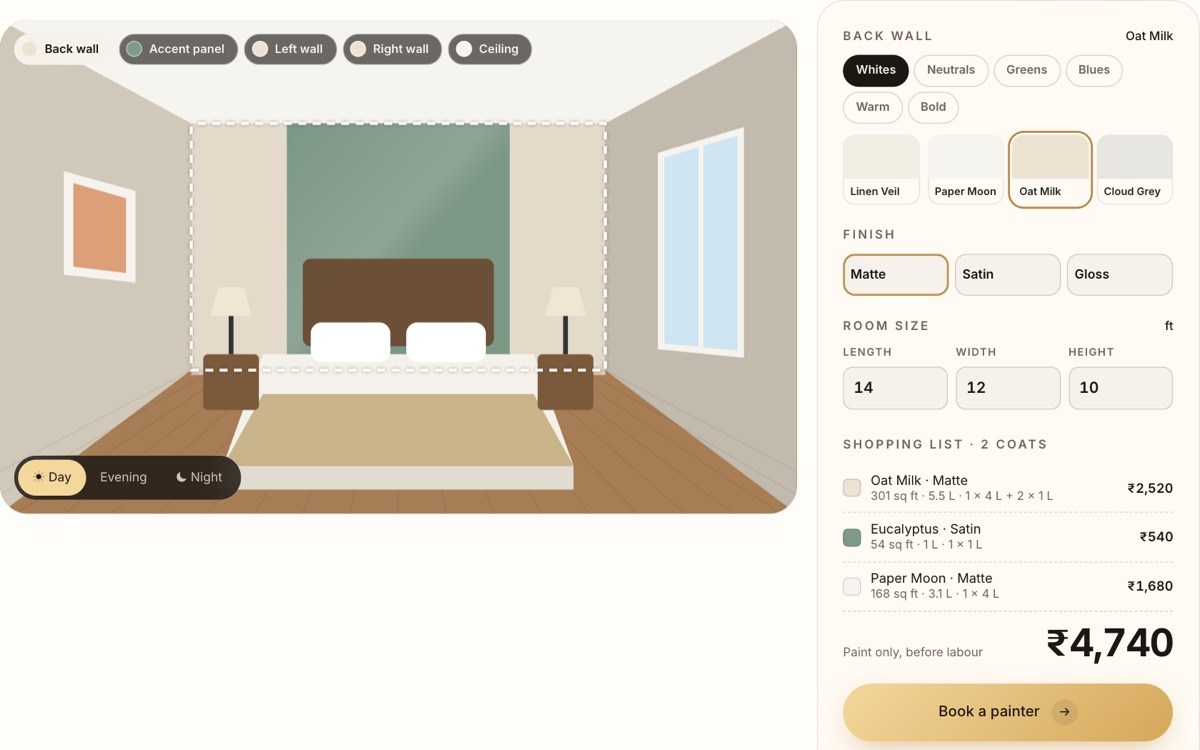
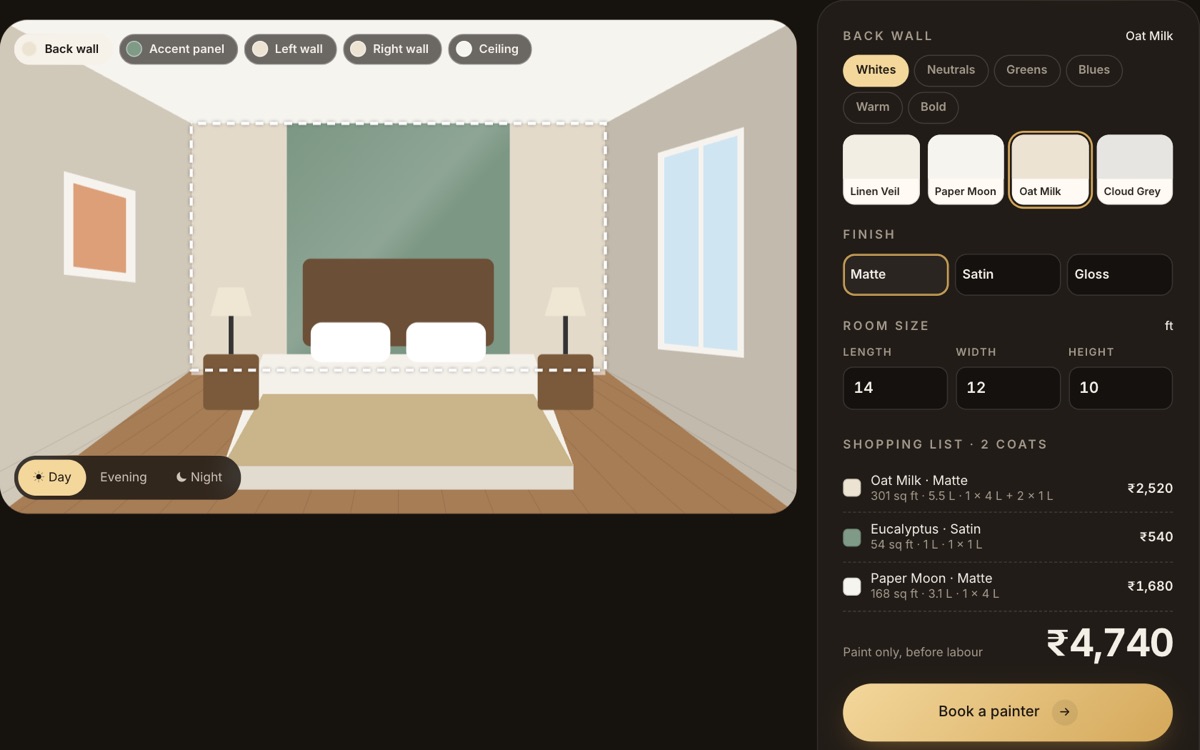
Paint VisualiserA drawn room: visitors tap a wall, the ceiling or the accent panel to try shades and finishes by day, evening or night, and get the litres, cans and paint cost for their room size.Style & colour
View element
04
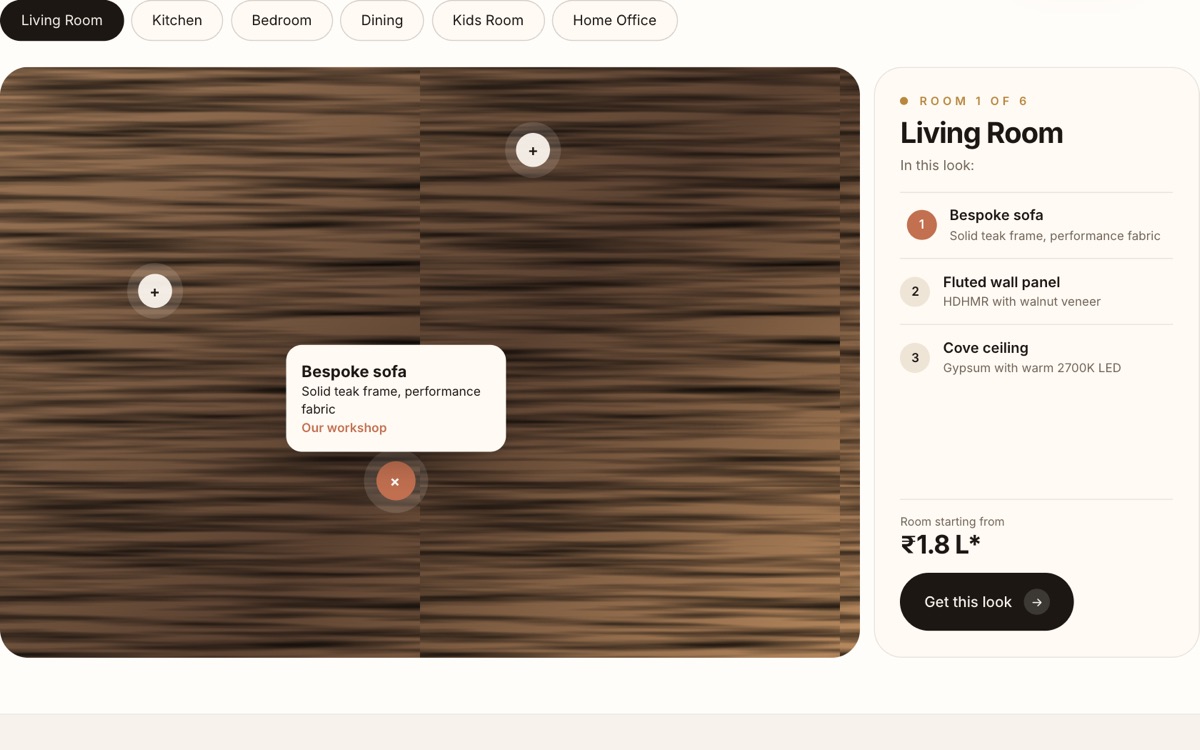
Shop the LookRoom tabs with a photo of each room; tap a hotspot to see the piece, its material and who made it, with a matching list and a starting price.Style & colour
View element
05
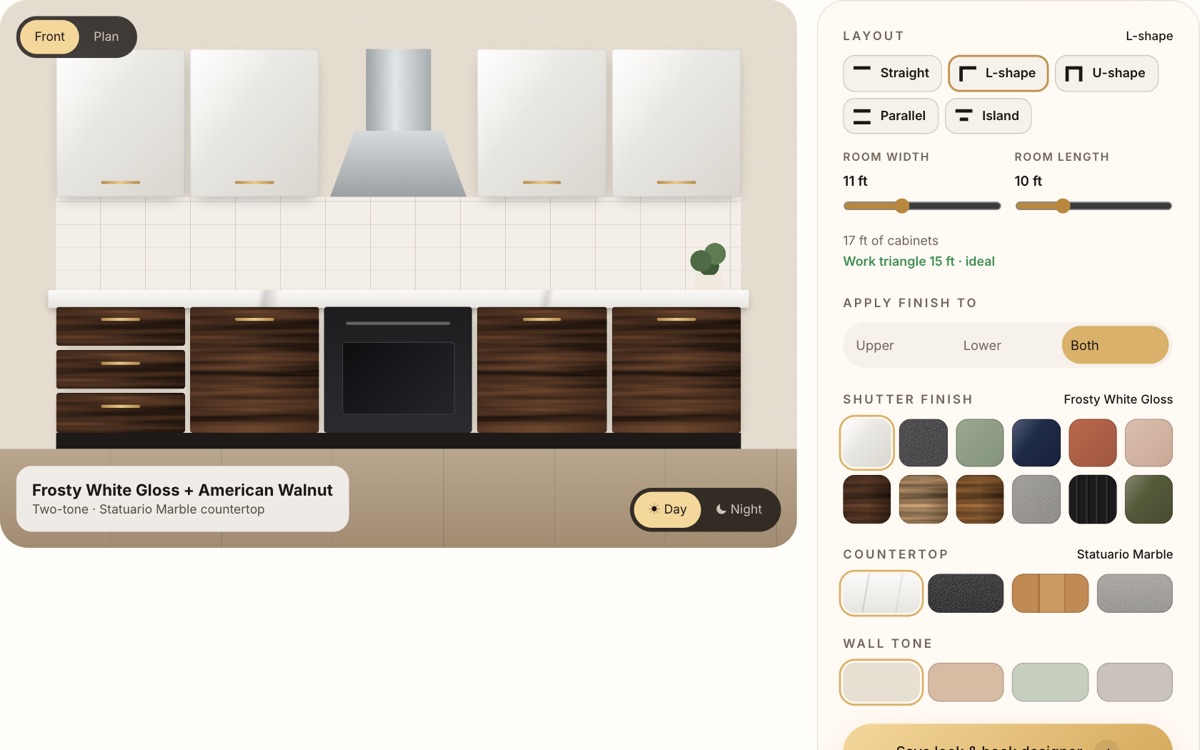
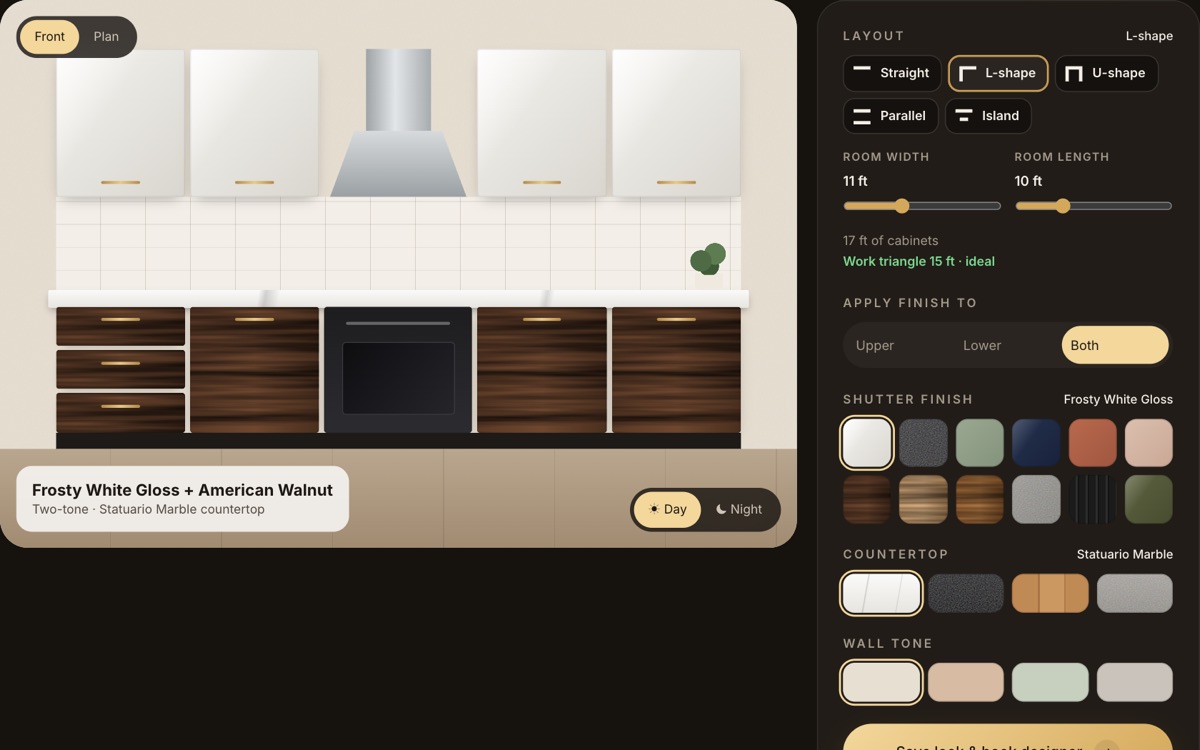
Kitchen StudioA drawn modular kitchen: visitors try shutter finishes (upper and lower separately), countertops and wall tones, by day or night.Configurators & pricing
View element
06
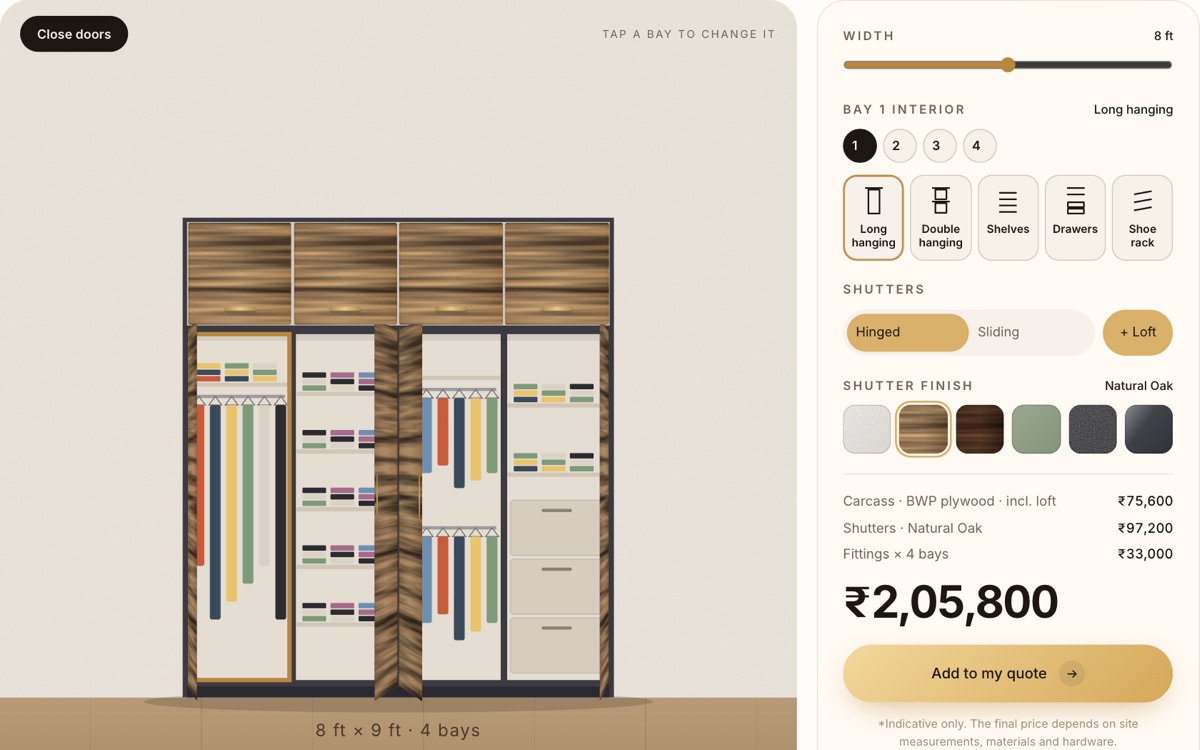
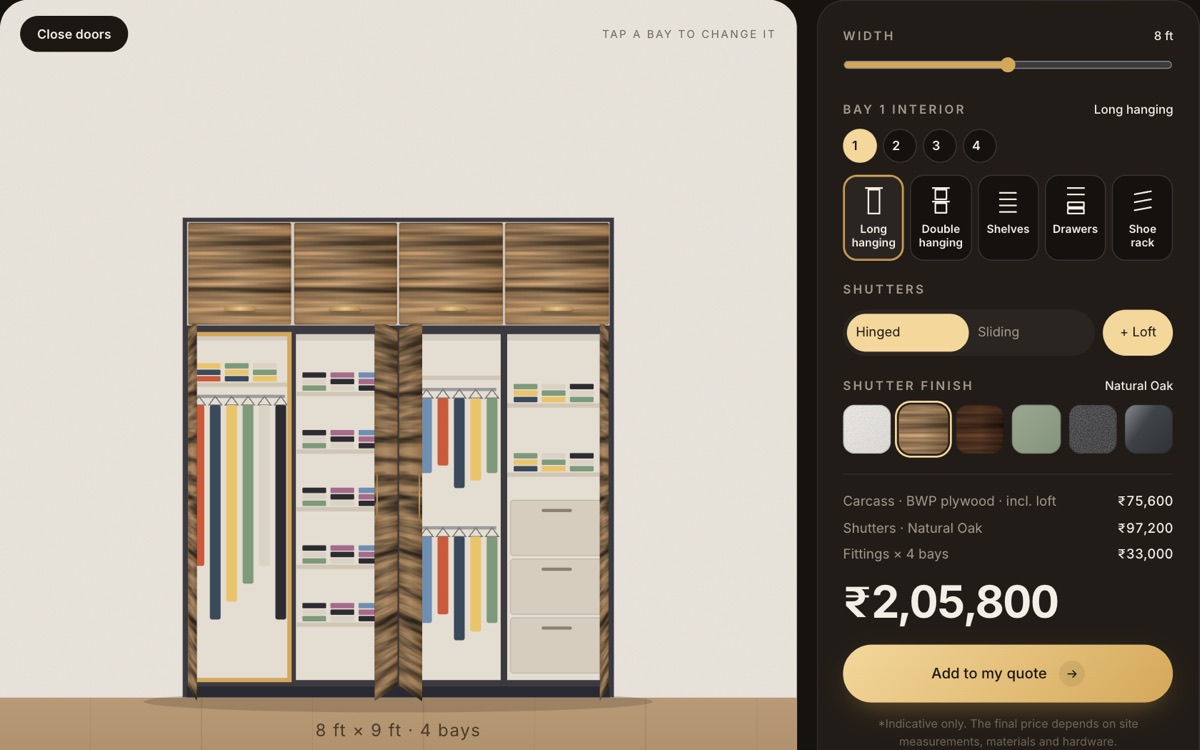
Wardrobe ConfiguratorA drawn wardrobe: the width sets the bays, each bay gets its own interior, and visitors pick hinged or sliding shutters, a finish and a loft, open the doors and see an indicative price.Configurators & pricing
View element
07
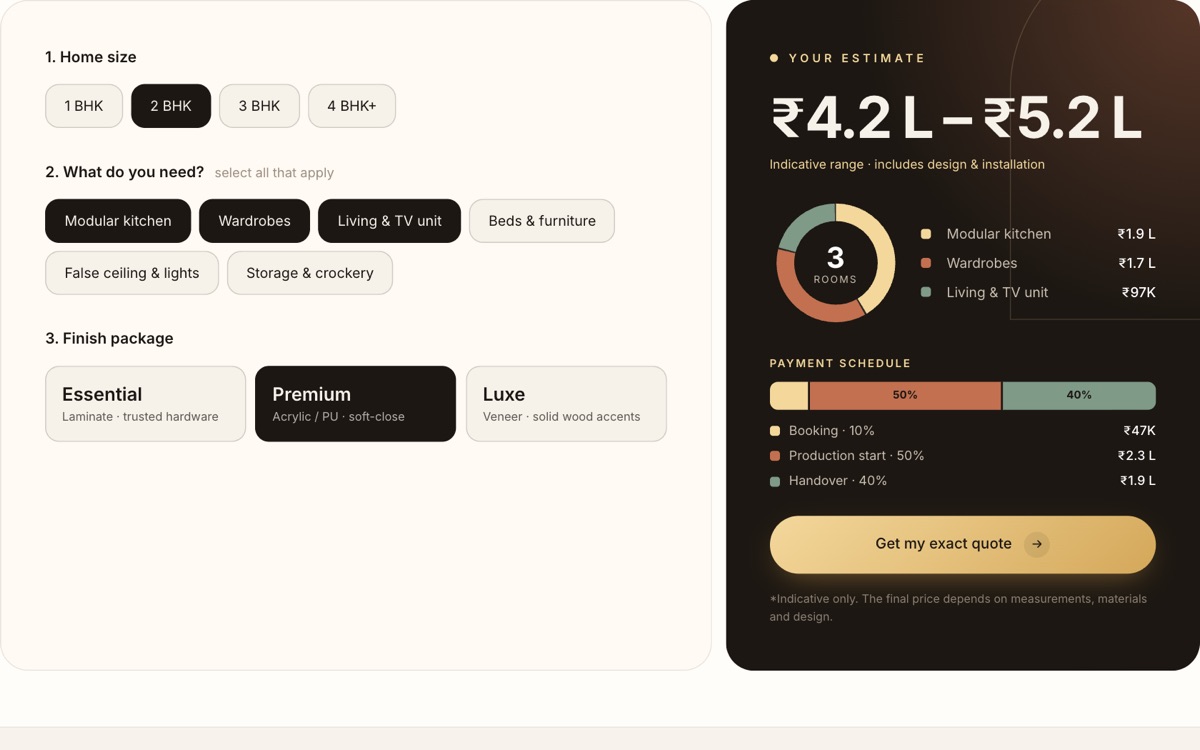
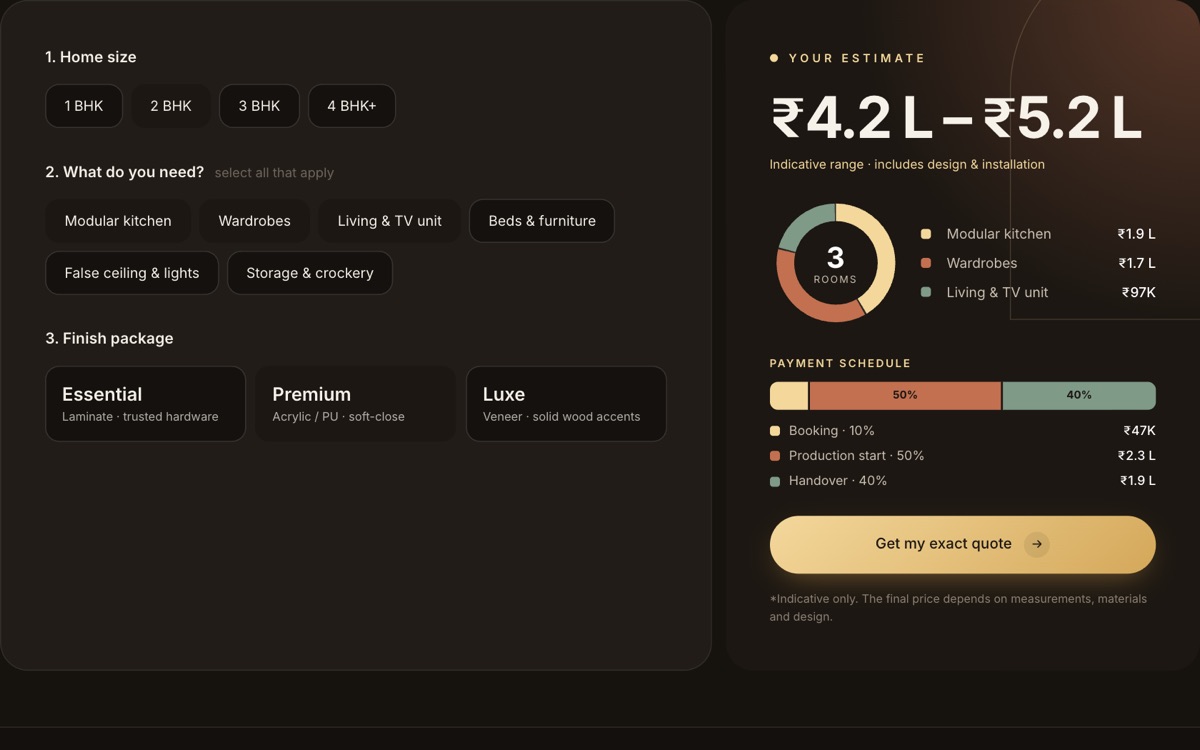
Cost EstimatorHome size × rooms × finish package gives an indicative price range with a per-room breakdown.Configurators & pricing
View element
08
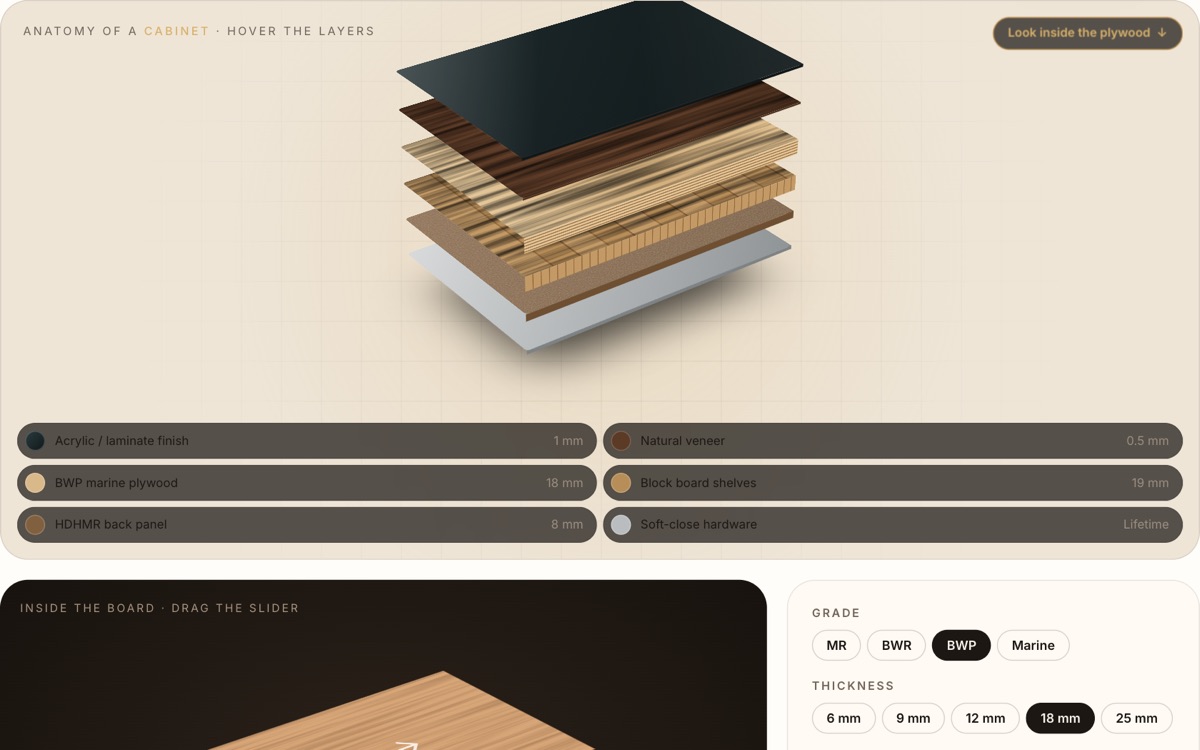
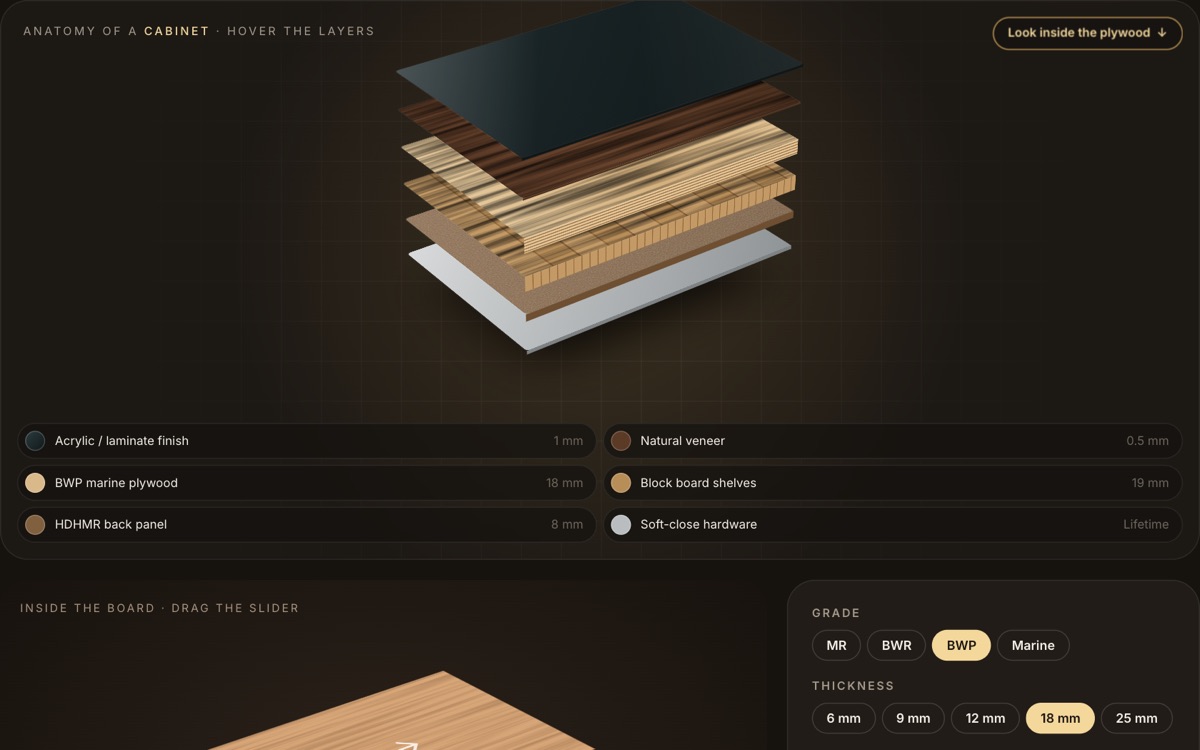
Cabinet AnatomyAn exploded 3D cabinet that opens up as it scrolls into view and follows the mouse; each legend button lifts its layer and shows its thickness.Wood & materials
View element
09
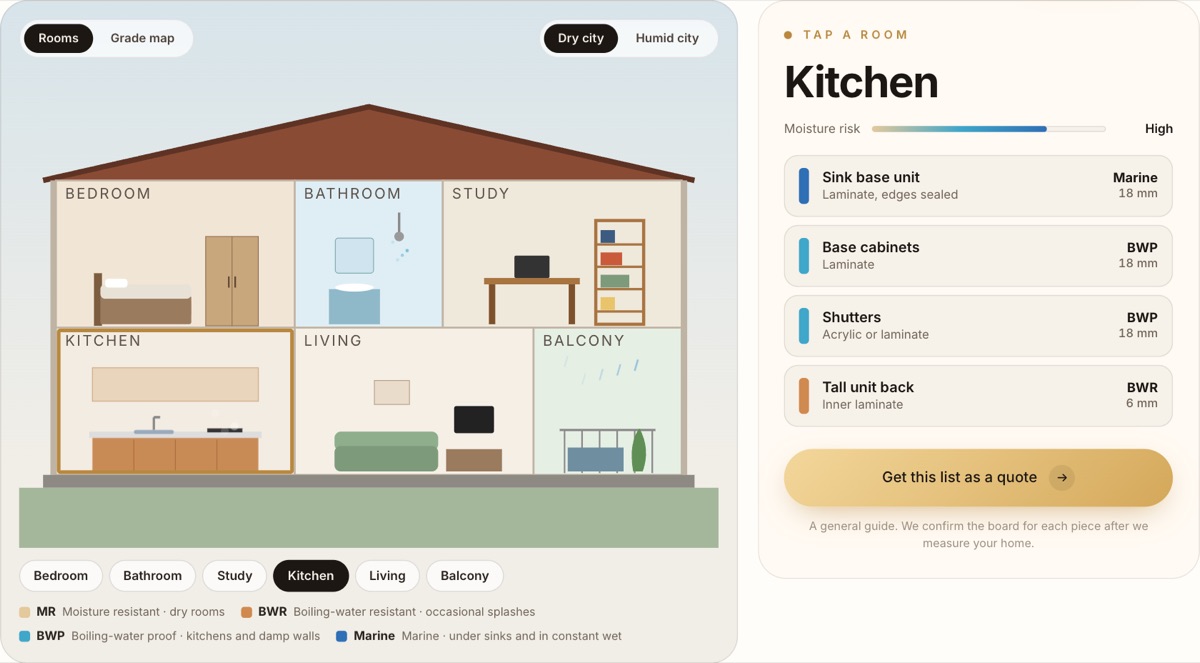
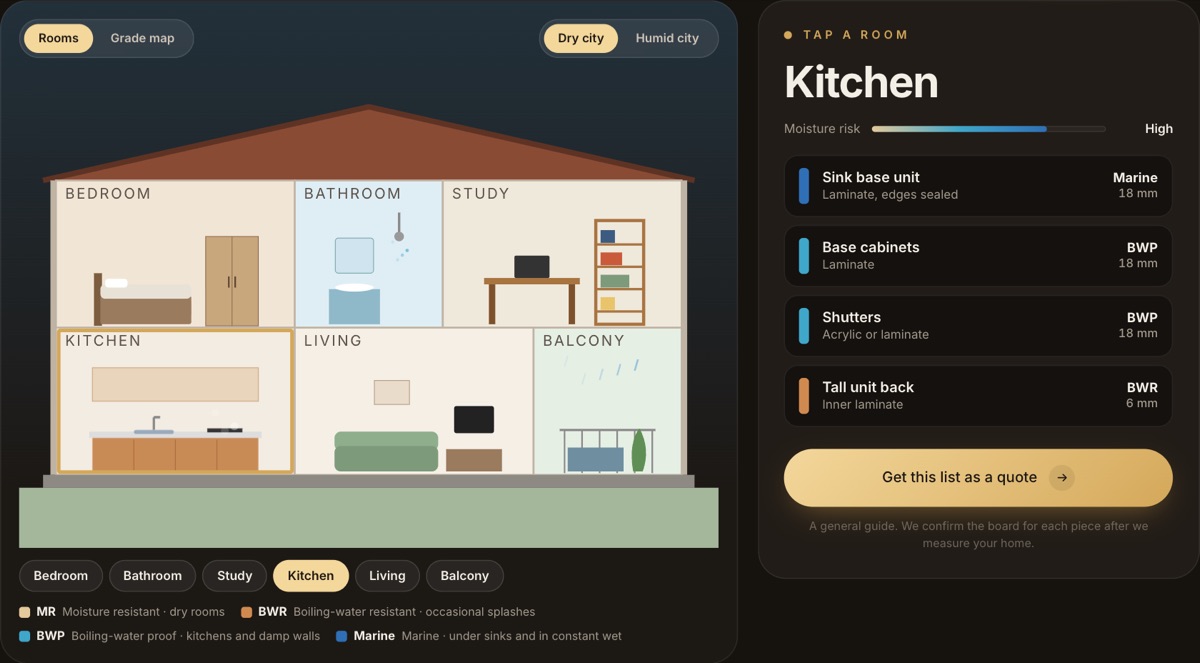
Room Ply FinderA cut-away home: tap a room to see the board grade, thickness and finish for each piece in it, switch to a grade map, and step the picks up for a humid city.Wood & materials
View element
10
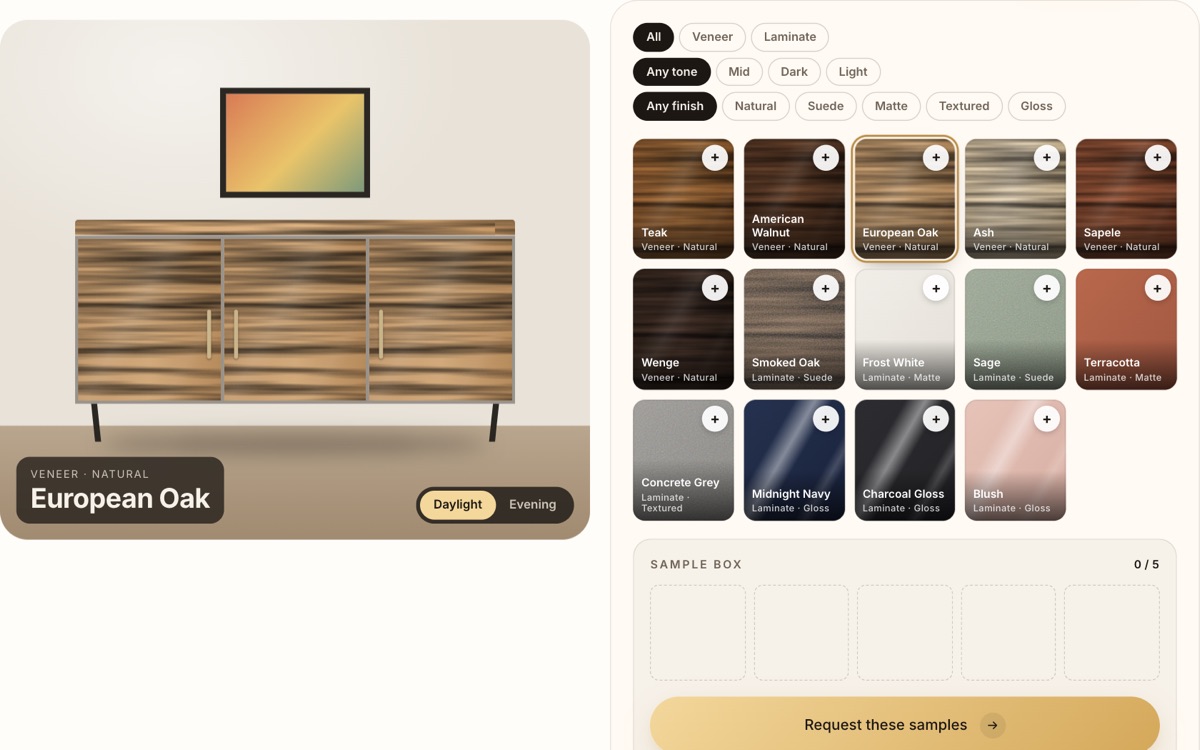
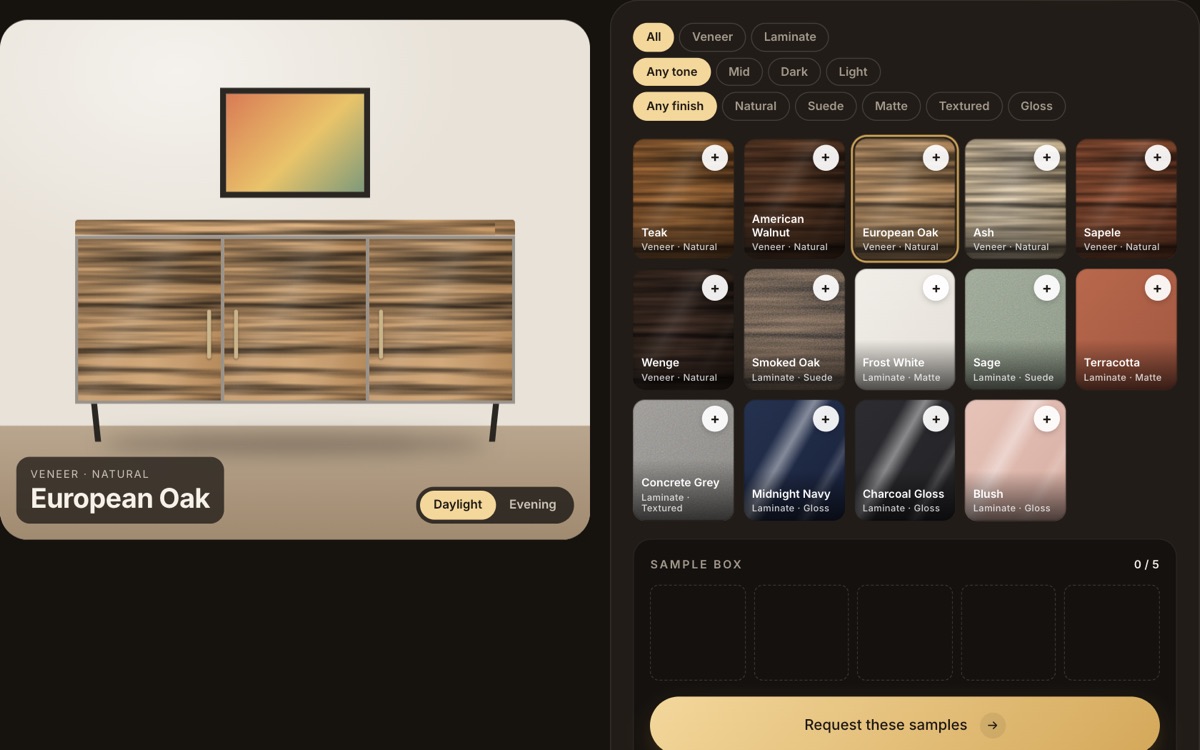
Swatch WallA wall of veneers and laminates filtered by type, tone and finish. A swatch dresses a sideboard by day or evening, and visitors fill a sample box that goes into your enquiry form.Wood & materials
View element
11
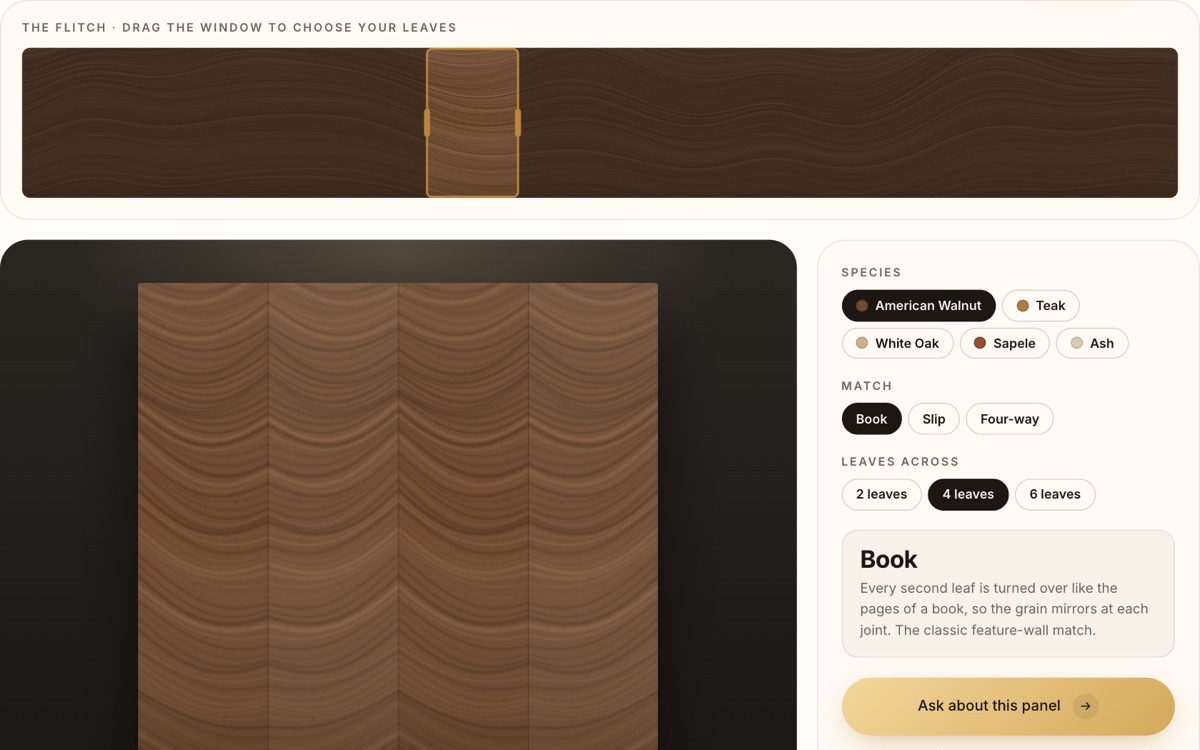
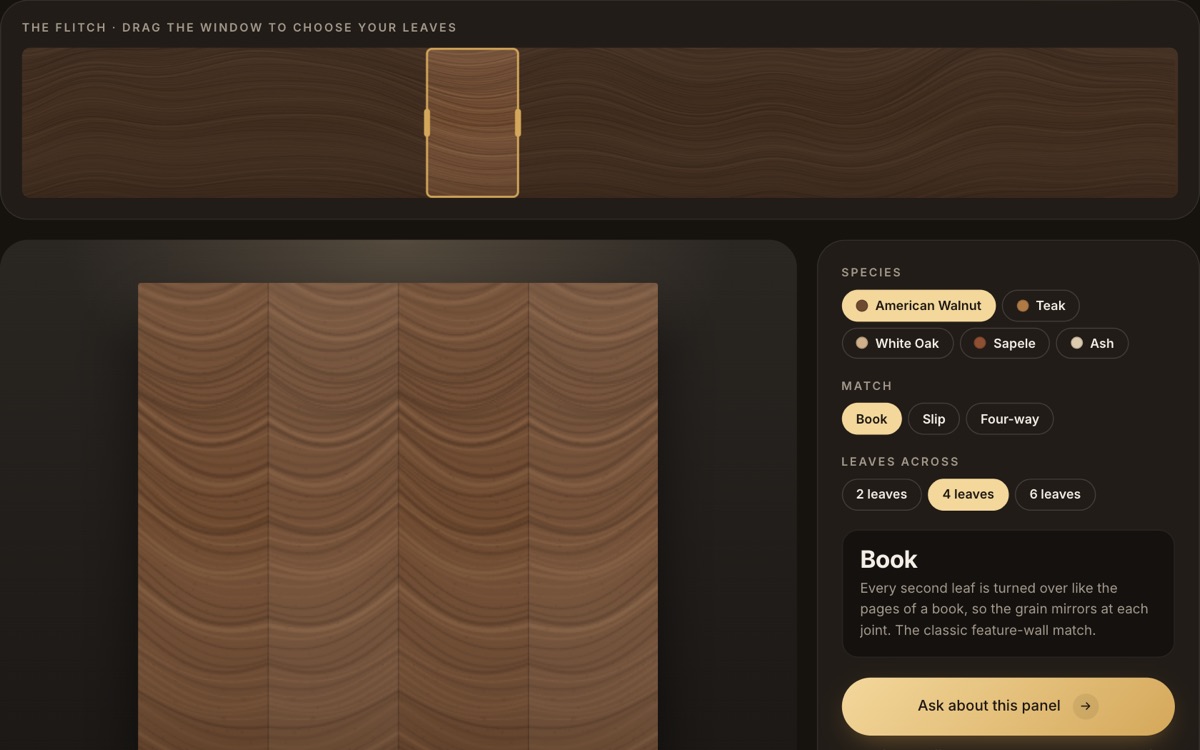
Bookmatch StudioSlide a window along a veneer flitch and a wall panel builds itself from those leaves, book, slip or four-way matched, in the species and number of leaves the visitor picks.Wood & materials
View element
12
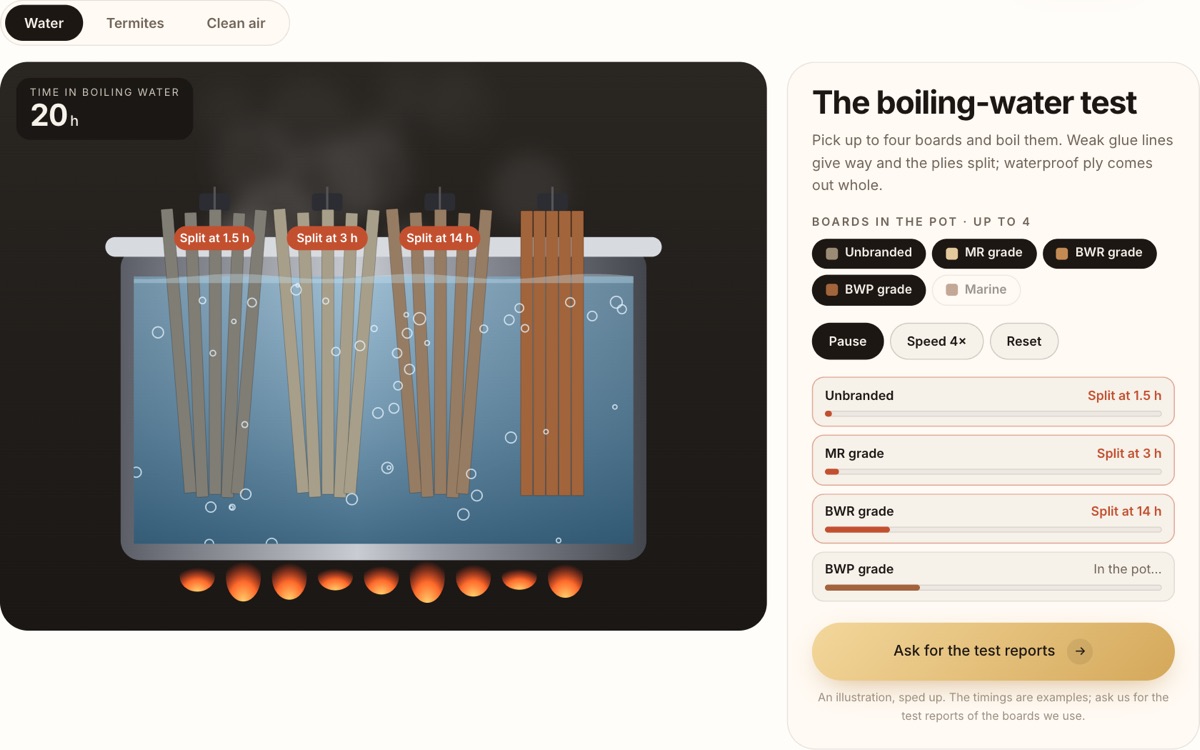
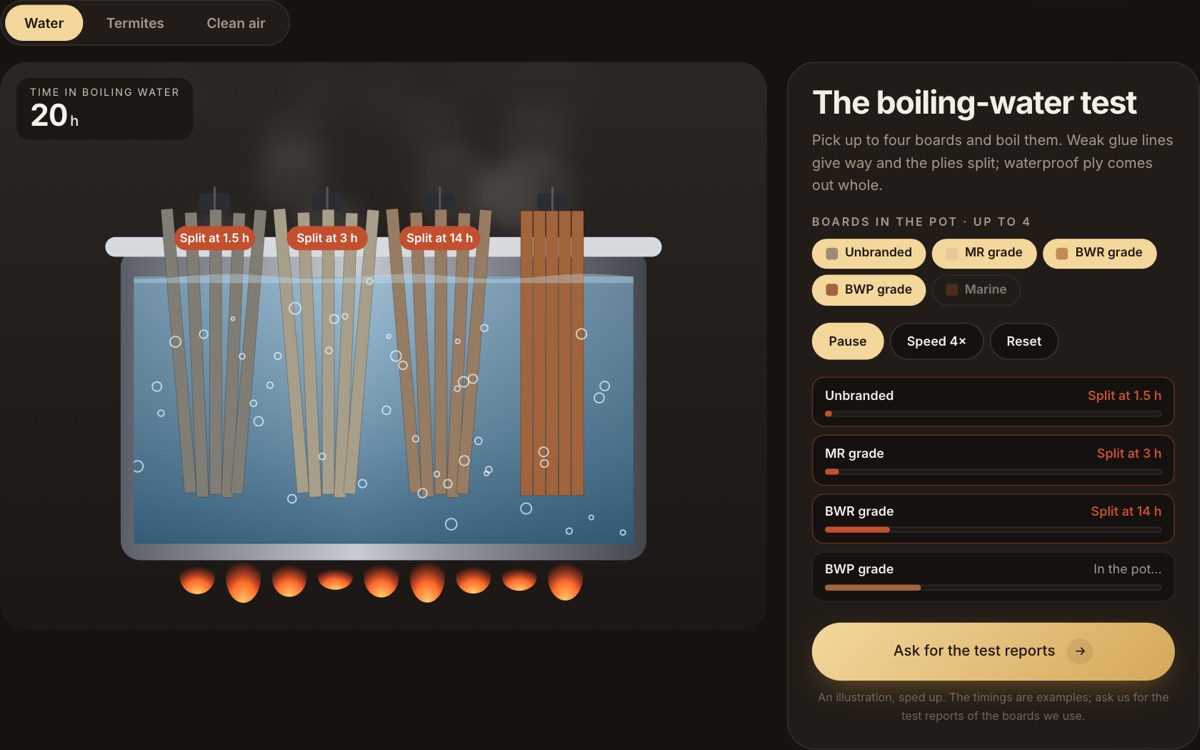
Material ProofThree illustrated tests in tabs: plywood samples in boiling water, termites against untreated and treated boards, and the air in a room furnished with boards of different emission classes.Wood & materials
View element
13
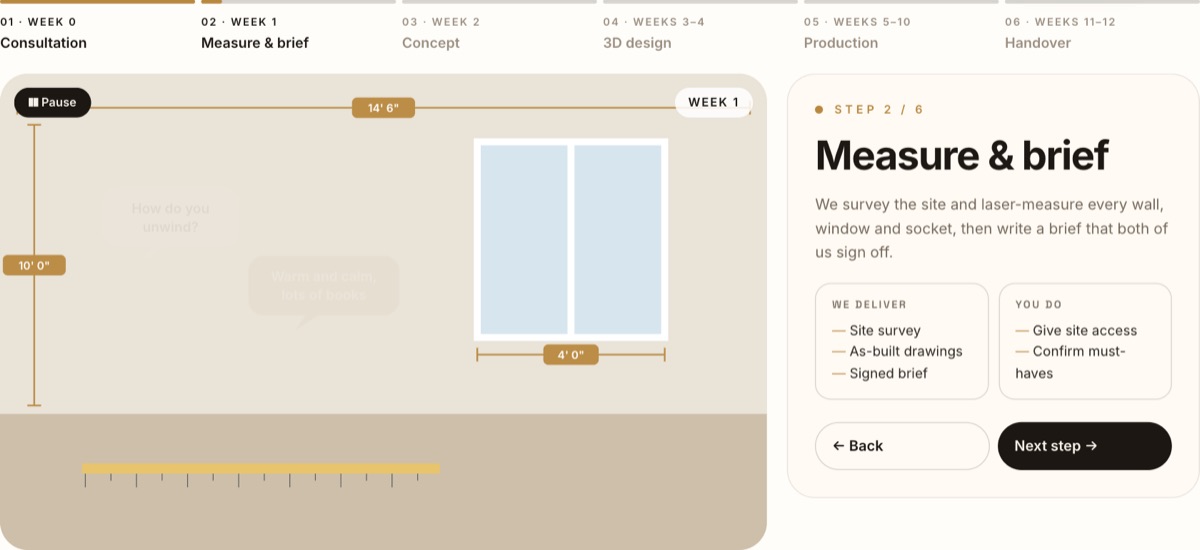
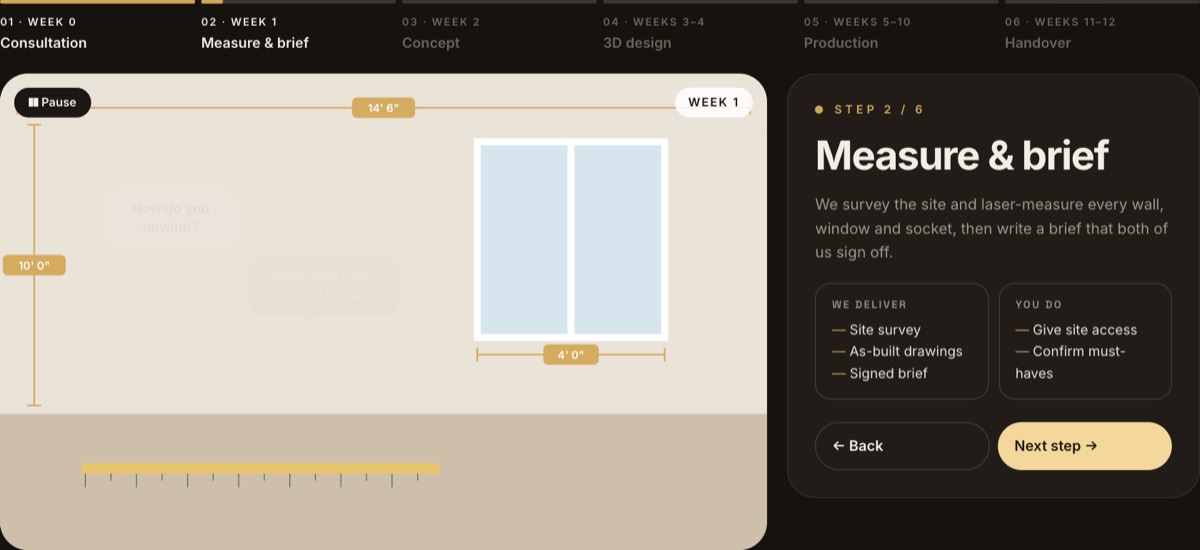
Design JourneyThe "how we work" section told visually: an empty room fills in step by step, from first chat to handover, with the timing, what the studio delivers and what the client does.Process & enquiries
View element
14
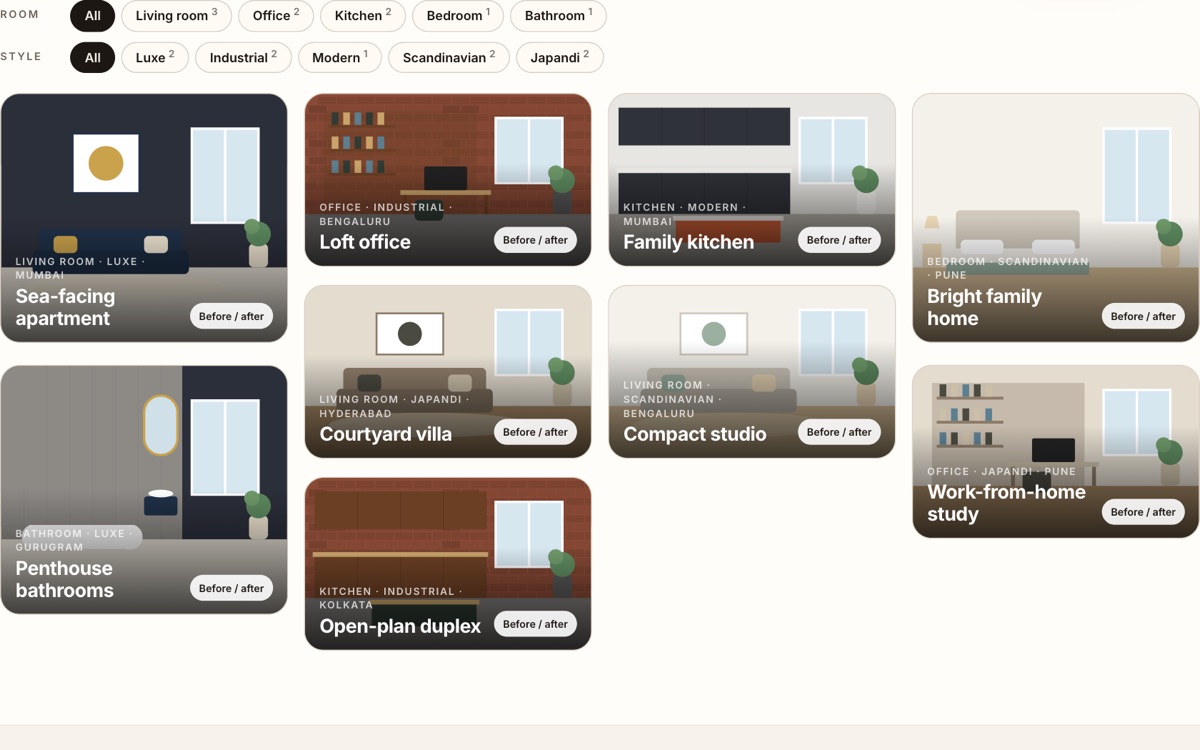
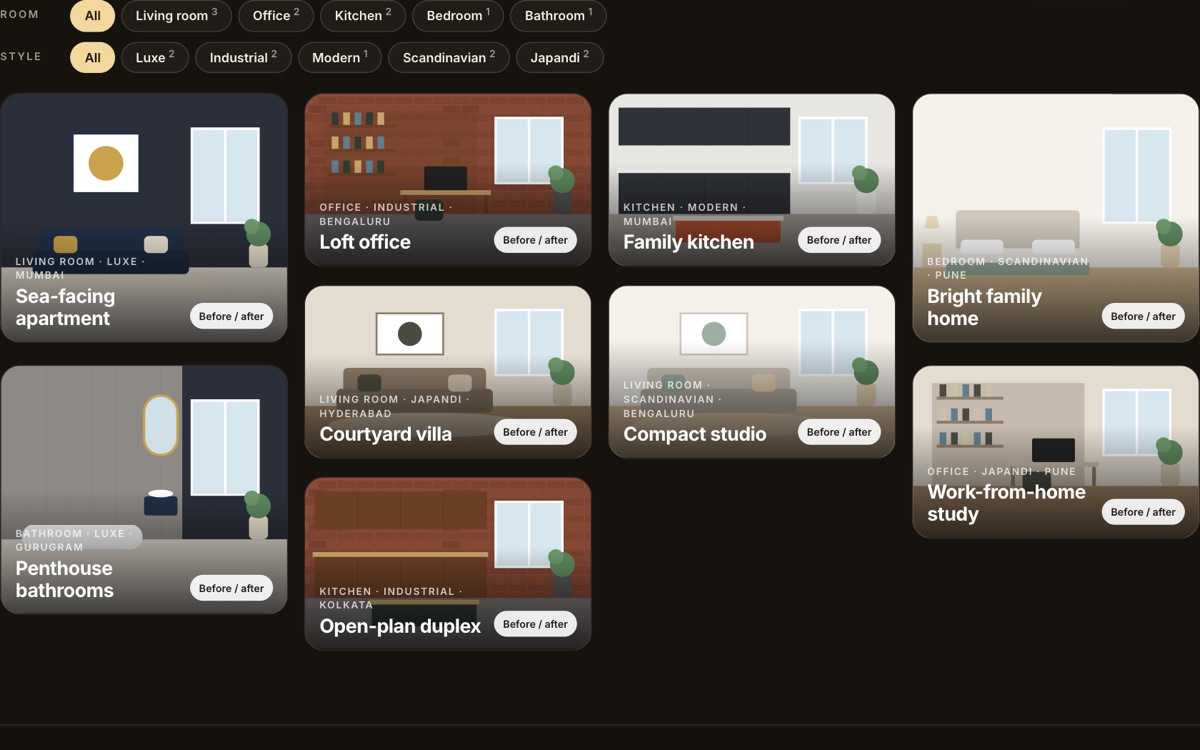
Project PortfolioA masonry grid of projects filtered by room and style; a project opens with a before/after slider, the story and its facts (city, area, budget, timeline).Process & enquiries
View element
15
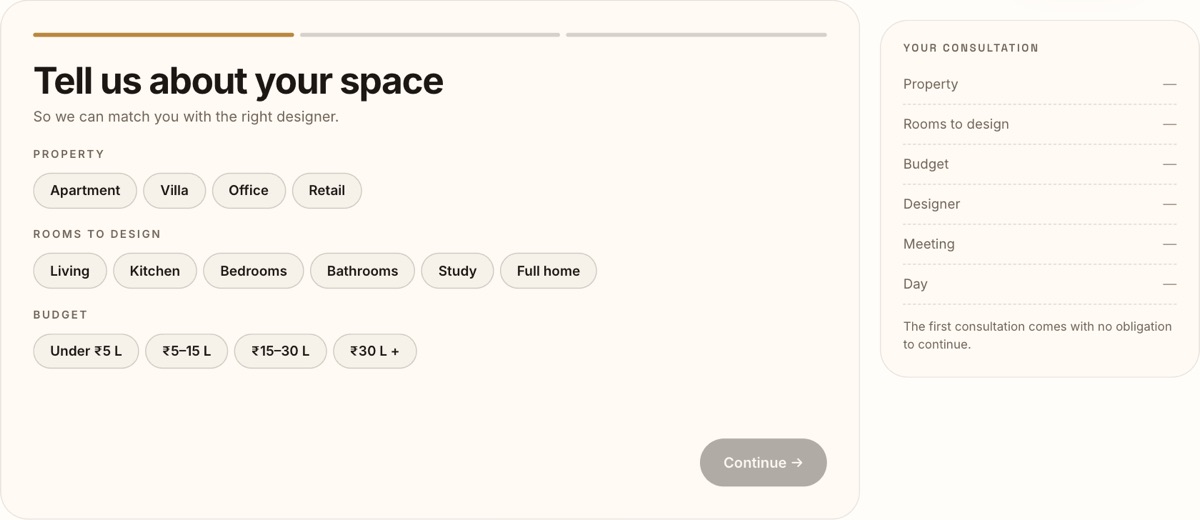
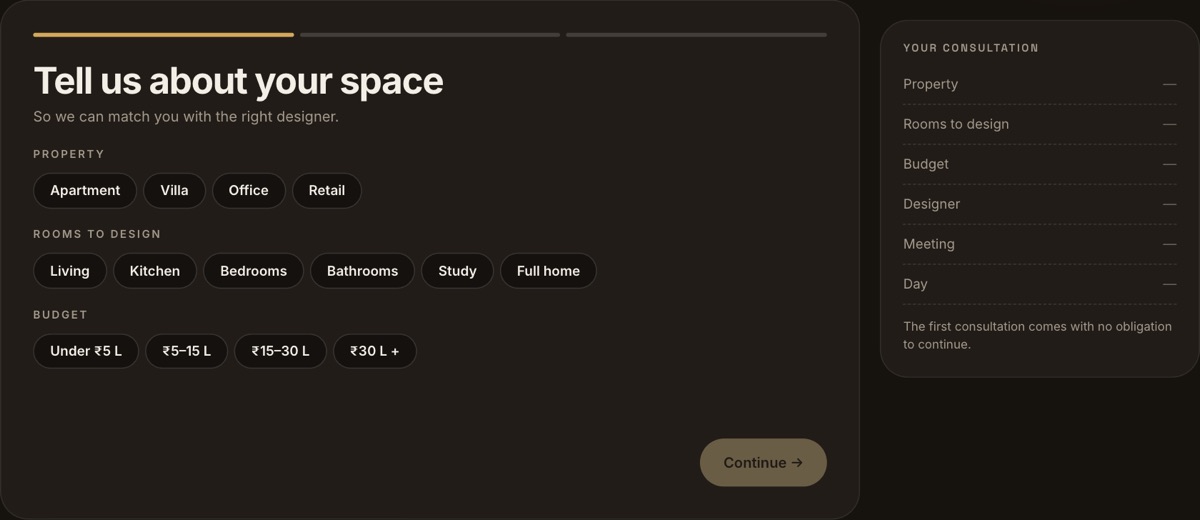
Consultation BookingA three-step request for a design consultation: the space, a designer and how and when to meet. A summary fills in alongside, and the request is written into your enquiry form.Process & enquiries
View element
Get the full kit
All 15 elements, one licence.
From ₹1,499 a year. Secure checkout on shop.rabinpal.com.